New Tools
Meta’s AI Mac App: A Productivity Mirage or Real Gem?

Leo Hollis
@toolwatch·August 20, 2026
3 min read0 views
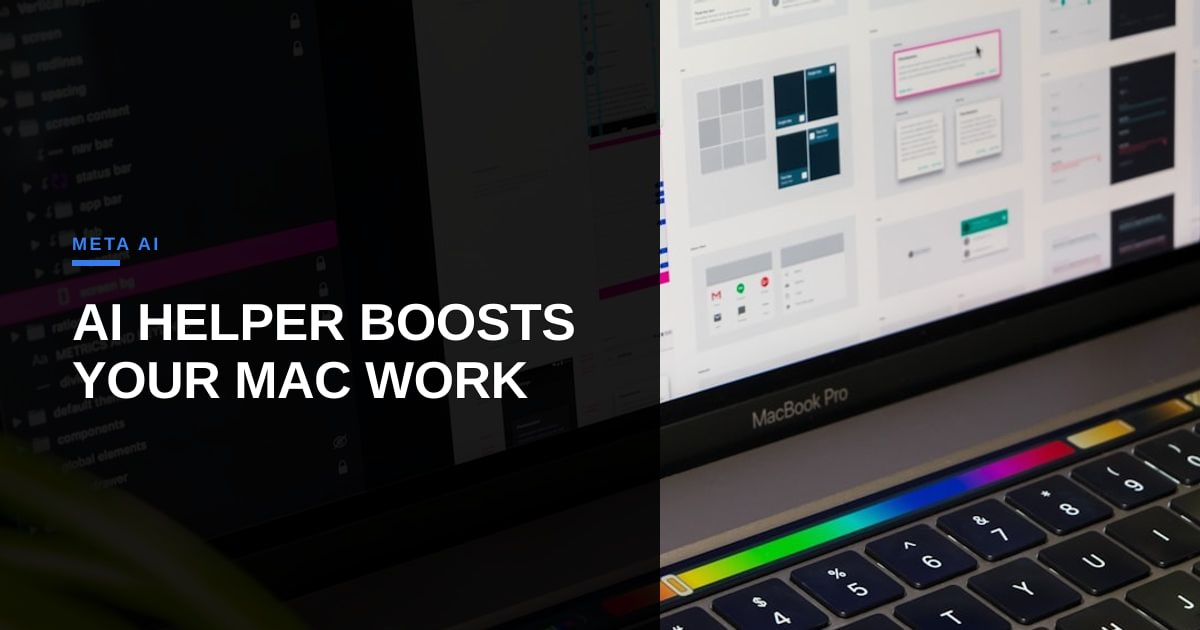
If you’ve ever wanted your AI to peek over your shoulder and critique your work in real time, Meta’s latest experiment might just be your cup of tea. The company just dropped a dedicated Mac app for its AI chatbot, promising to turn your screen into an interactive workspace. Need a quick summary of a dense document? Just share your window. Want to brainstorm ideas while staring at a blank page? The AI’s got your back. And yes, dictation is baked in too.
At first glance, this feels like the kind of feature that sounds cool until you realize how often you’d actually use it. Meta’s pitch is all about productivity, but let’s be real—most of us already have AI assistants (or even just a second monitor) for this stuff. The novelty of an AI that can see your screen might wear thin fast, especially when you consider the privacy implications. Do you really want an AI watching your every move, ready to chime in with unsolicited advice?
But here’s the thing: Meta’s not just chasing novelty. This is part of a broader push to make its AI assistant more integrated into daily workflows. The Mac app is a natural extension of the company’s strategy to embed AI into every corner of your digital life, whether you’re writing an email, crunching numbers, or just Googling something random. The question is whether users will actually want that level of integration.
For power users, this could be a game-changer. Imagine an AI that not only writes your code but also debugs it by analyzing your screen. Or a researcher who can instantly summarize a PDF while cross-referencing other documents. But for the average Joe, it might just feel like overkill—a solution in search of a problem.
And let’s not forget the elephant in the room: privacy. Meta’s track record with user data isn’t exactly stellar. Dropping an AI that can see your screen into the mix raises a lot of red flags. Will this data be used for targeted ads? Will it be stored indefinitely? Meta hasn’t exactly been transparent about these things in the past.
So, is Meta’s AI Mac app a gimmick or a genuine productivity tool? The answer depends on who you are. If you’re the type of person who lives and breathes productivity hacks, you might find this useful. But if you’re just looking for a way to avoid manually summarizing documents, you might want to hold off. For now, this feels like another experiment in AI integration—one that’s cool in theory but might not stand the test of real-world use.
Either way, it’s a fascinating glimpse into where AI assistants are headed. The next question is whether users will actually adopt them—or if we’ll all just go back to pretending our AI overlords don’t exist.
Photo: Tirza van Dijk / Unsplash (https://unsplash.com/@tirzavandijk)




Comments